How it works
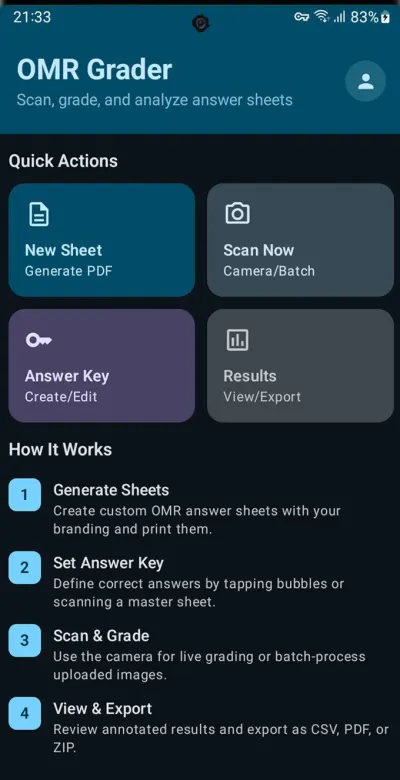
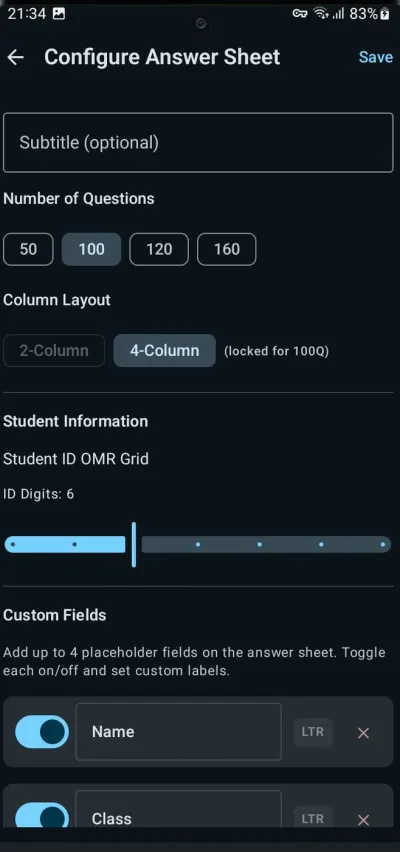
- Generate sheets — create print-ready A4 answer sheets as PDF with 50, 100, 120 or 160 questions, a 2- or 4-column layout, your school logo, custom header fields and a student ID grid.
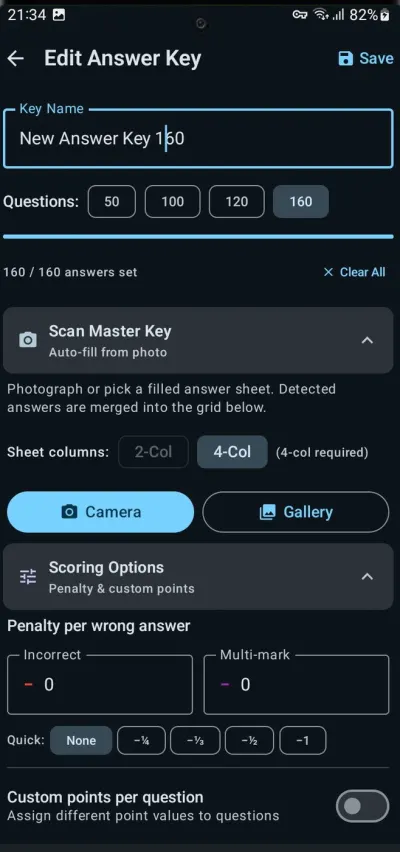
- Set the answer key — tap the correct bubbles or scan a filled master sheet, then reuse the key across classes.
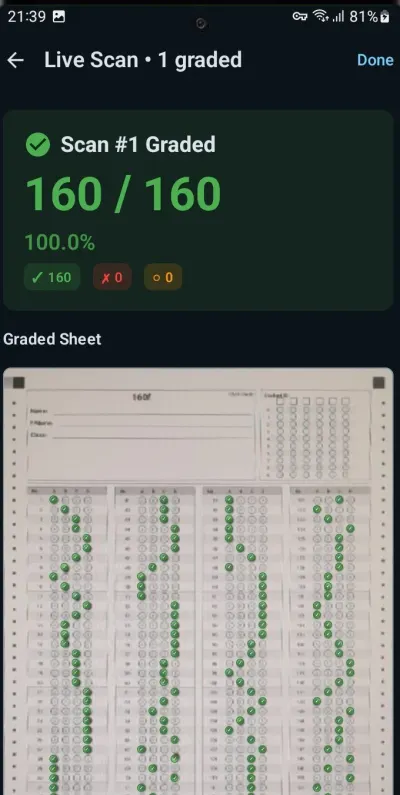
- Scan and grade — grade sheets live with the camera in under 2 seconds each, or batch-import photos from the gallery or a document scanner.
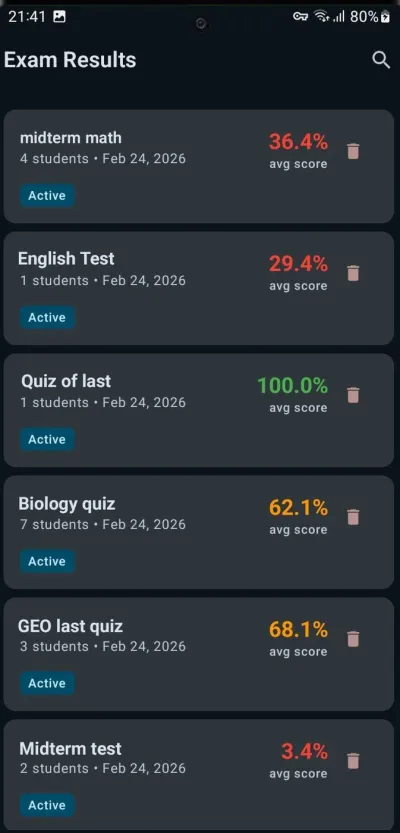
- Review and export — check annotated sheets, per-question breakdowns and class analytics, then export CSV, PDF or ZIP.
What's included
- Optical mark recognition that handles tilted, wrinkled and imperfect sheets
- Bubble sheet generator with RTL support for Arabic, Urdu, Persian and Hebrew
- Negative marking for wrong answers and multiple marks, plus custom points per question
- Batch grading for whole classes and large lectures
- Student scores, question-by-question breakdowns and class analytics
- CSV for Excel or Google Sheets, PDF reports with annotated sheets, and ZIP archives
- Scanning and grading work offline
Who uses it
Teachers running multiple-choice quizzes and exams, tutors and coaching centers preparing students for competitive exams such as NEET, JEE and SSC, and lecturers with 100–500-student classes. Instead of checking every sheet by hand, they scan the stack and the app does the comparison.
Free and Pro
OMR Grader is free to download. The free plan includes 10 scans a day, the sheet generator, the answer key editor, camera and gallery scanning, and CSV and PDF export. A Pro subscription, billed monthly or yearly, adds unlimited scans, batch grading, advanced analytics and ZIP export with annotated images. More on omrgrader.com.
Frequently asked questions
What is an OMR sheet?
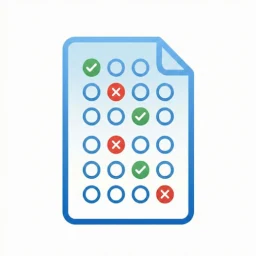
OMR stands for Optical Mark Recognition: answer sheets where students fill in bubbles. OMR Grader reads the filled bubbles from a photo, compares them with your answer key and calculates the score.
Do I need an OMR scanner machine?
No. Your phone camera is the scanner. For large batches you can also import photos from your gallery or from a document scanner.
How many questions can an answer sheet have?
Generated sheets have 50, 100, 120 or 160 questions with four options (A–D), in a 2-column or 4-column layout, with your logo, up to four custom header fields and a student ID bubble grid.
Does OMR Grader support negative marking?
Yes. Set penalty deductions for incorrect answers and for questions with more than one bubble filled, and assign custom points per question.
Does it work without internet?
Yes. The scanning and grading engine works offline. Internet is only needed for account sync, premium verification and cloud backup.
Is OMR Grader free?
Yes. The free plan includes 10 scans per day plus the sheet generator, answer key editor, camera and gallery scanning, and CSV and PDF export. A Pro subscription adds unlimited scans, batch grading, advanced analytics and ZIP export.